Customer intelligence. Made simple.
Know your customers.
Across every location.
Know your customers.
Across every location.
No credit card required. Your first 25 members are on us.
No credit card required.
Your first 25 members are on us.
They shop online. They're regulars at your other locations. They’re a friend of the owner.
That context should be there when they walk in.
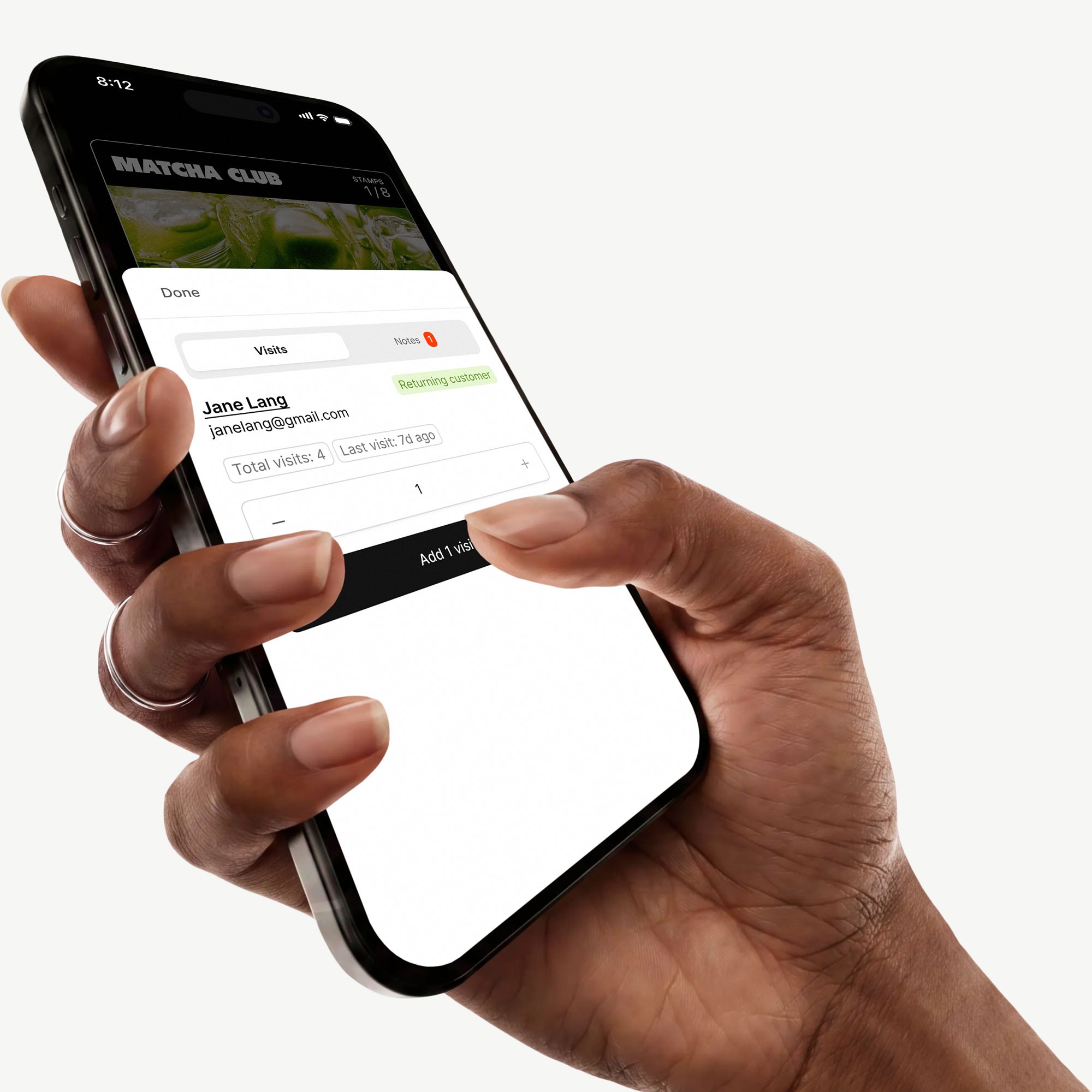
CHCKN connects customer data and staff notes, so every check-in tells your team who’s here and what they should know.
CHCKN connects customer data and staff notes, so every check-in tells your team who’s here and what they should know.

VIP customer

Staff member

First time customer

Loyal customer

Run club member

Staff member
Businesses using CHCKN






1. Create your programs
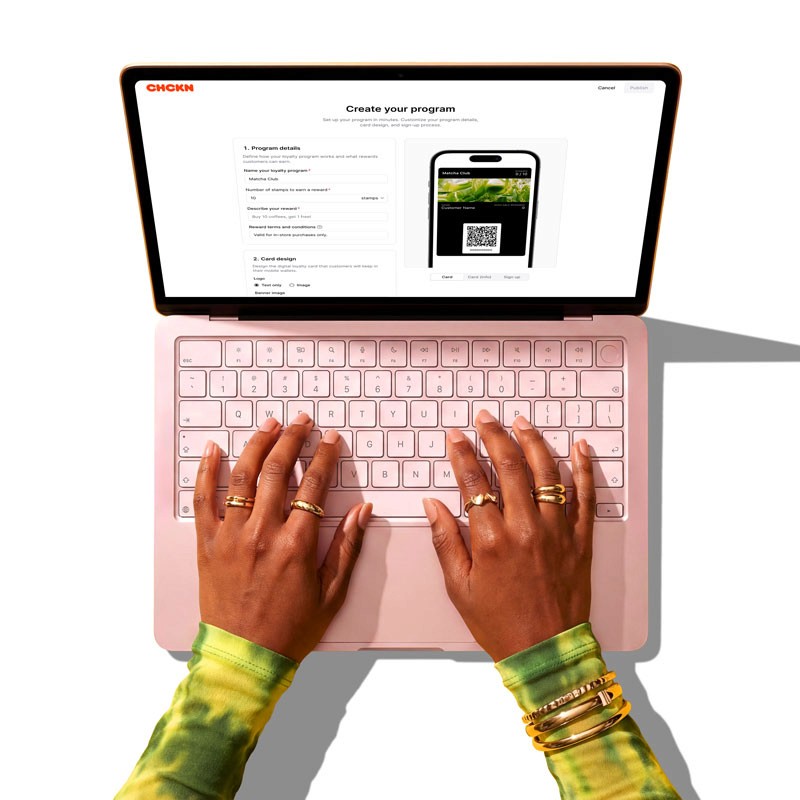
Set up programs for loyal customers, staff, VIPs, influencers, and more. Choose who they’re for and what they get.
1. Create your programs
Set up programs for loyal customers, staff, VIPs, influencers, and more. Choose who they’re for and what they get.
1. Create your programs
Set up programs for loyal customers, staff, VIPs, influencers, and more. Choose who they’re for and what they get.
2. Put it everywhere
Share a QR code or link at the counter, on your site, or on social.

2. Put it everywhere
Share a QR code or link at the counter, on your site, or on social.
2. Put it everywhere
Share a QR code or link at the counter, on your site, or on social.
3. Add your people
Let people sign up or add them yourself. They save their card to Apple Wallet or Google Wallet.

3. Add your people
Let people sign up or add them yourself. They save their card to Apple Wallet or Google Wallet.
3. Add your people
Let people sign up or add them yourself. They save their card to Apple Wallet or Google Wallet.
4. Start checking in
Scan the card to see who they are, what they get, and record the visit.

4. Start checking in
Scan the card to see who they are, what they get, and record the visit.
4. Start checking in
Scan the card to see who they are, what they get, and record the visit.
5. Bring them back
Send offers, updates, and reminders based on their check-ins.

5. Bring them back
Send offers, updates, and reminders based on their check-ins.
5. Bring them back
Send offers, updates, and reminders based on their check-ins.
Designed by shop owners.
For shop owners.
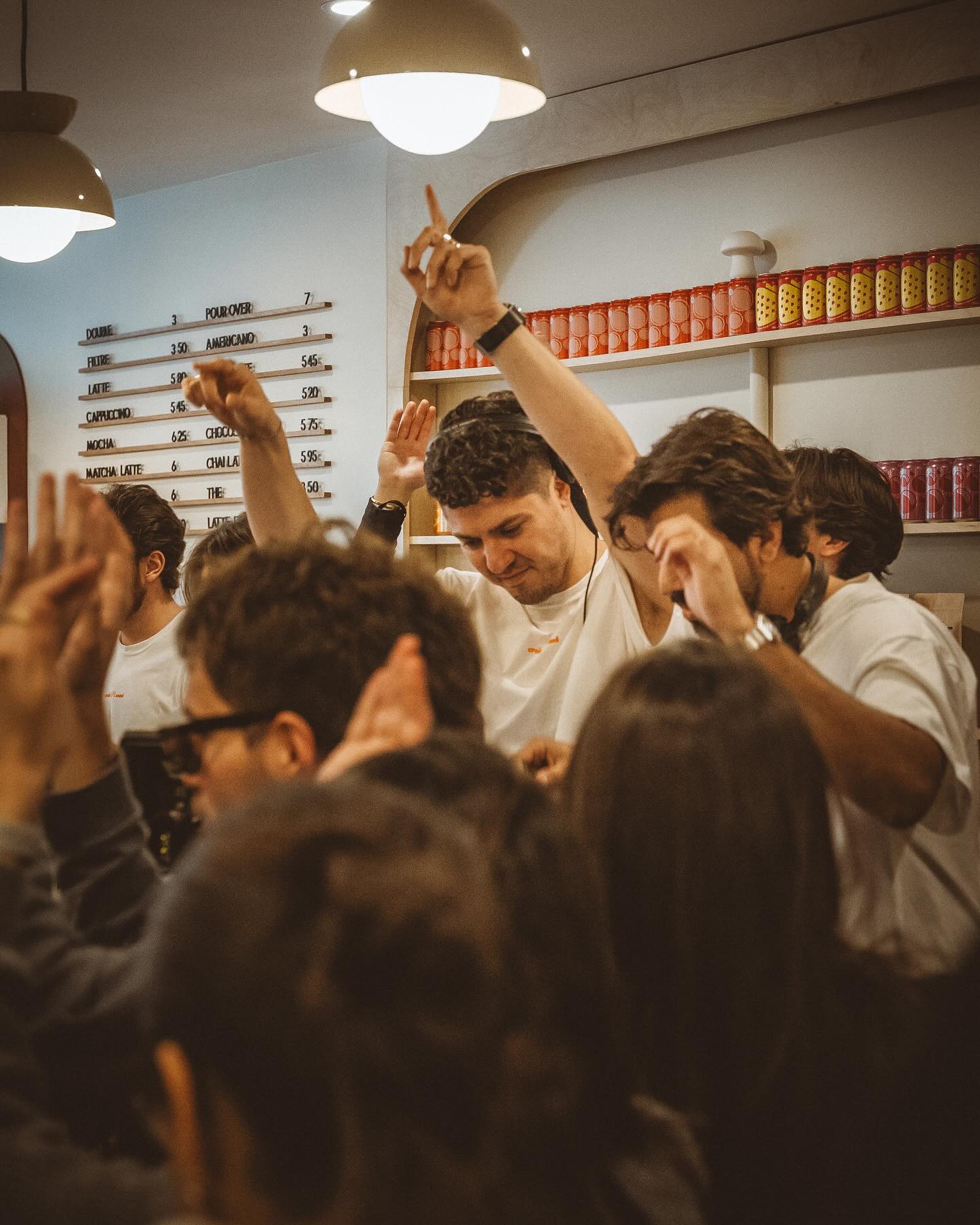
"We love how simple it is. We’re building our list automatically and driving way more traffic to our events and workshops."
Gabrielle
Owner, Cass Café

"CHCKN made it easy to move our stamp cards from paper to digital. Setup was quick, and we had support the whole way."
Amina
Owner, Mina Mina
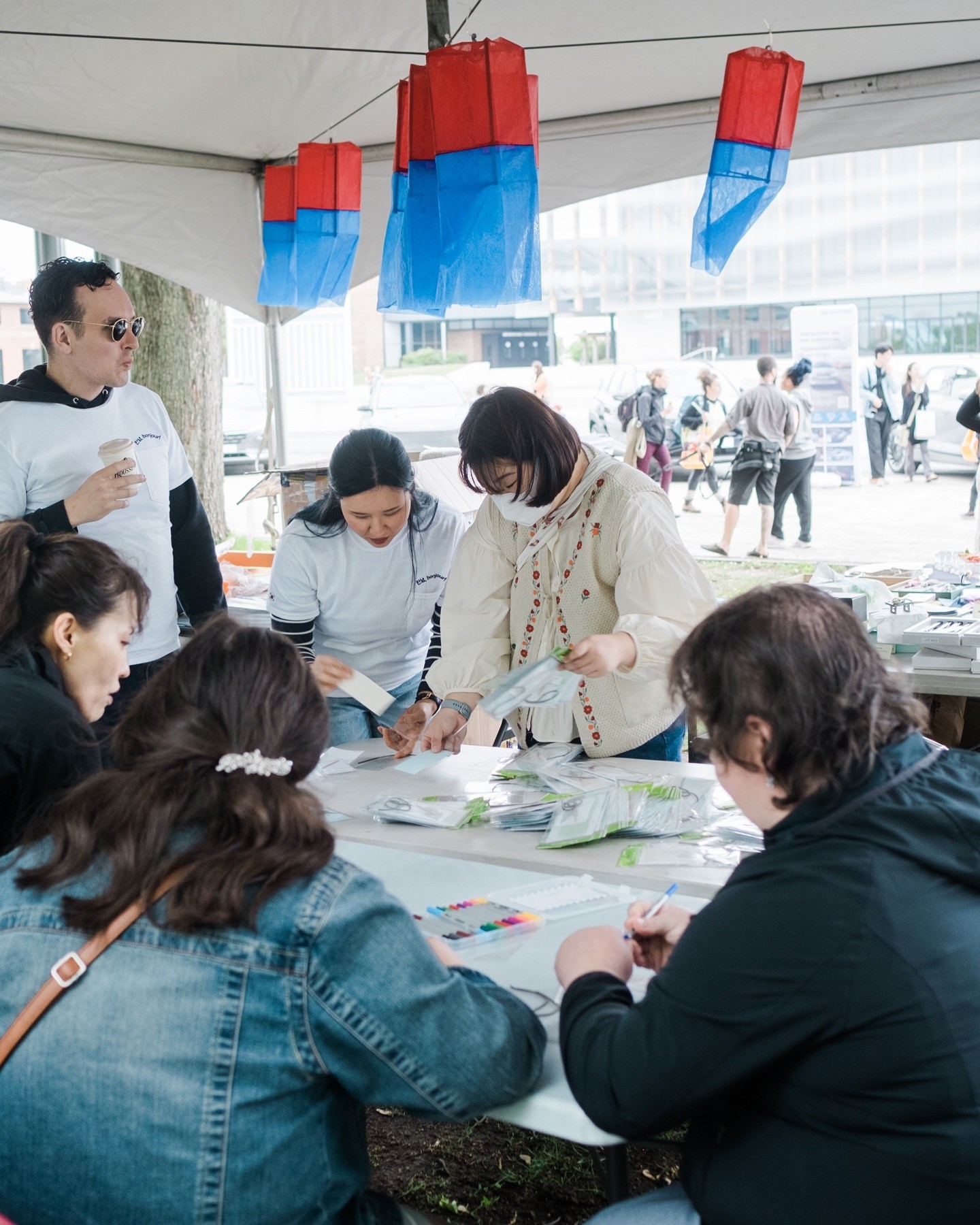
"CHCKN helped us launch in under a week. We cut about $3,000 in print costs and now have a customer list we can use for next year’s festival."
Takumi
Co-founder, Montreal Korean Fest
"We love how simple it is. We’re building our list automatically and driving way more traffic to our events and workshops."
Gabrielle
Owner, Cass Café
"CHCKN made it easy to move our stamp cards from paper to digital. Setup was quick, and we had support the whole way."
Amina
Owner, Mina Mina
"CHCKN helped us launch in under a week. We cut about $3,000 in print costs and now have a customer list we can use for next year’s festival."
Takumi
Co-founder, Montreal Korean Fest